
A Mac app for your Photos library
Find the photos you’d rather not have in your library.
NotHotdog scans your Photos library for nude and other sensitive images, shows what it found blurred, and lets you delete, hide, or ignore each one. The scanning happens on your Mac. Nothing is uploaded.
Coming soon to the Mac App Store See how it works
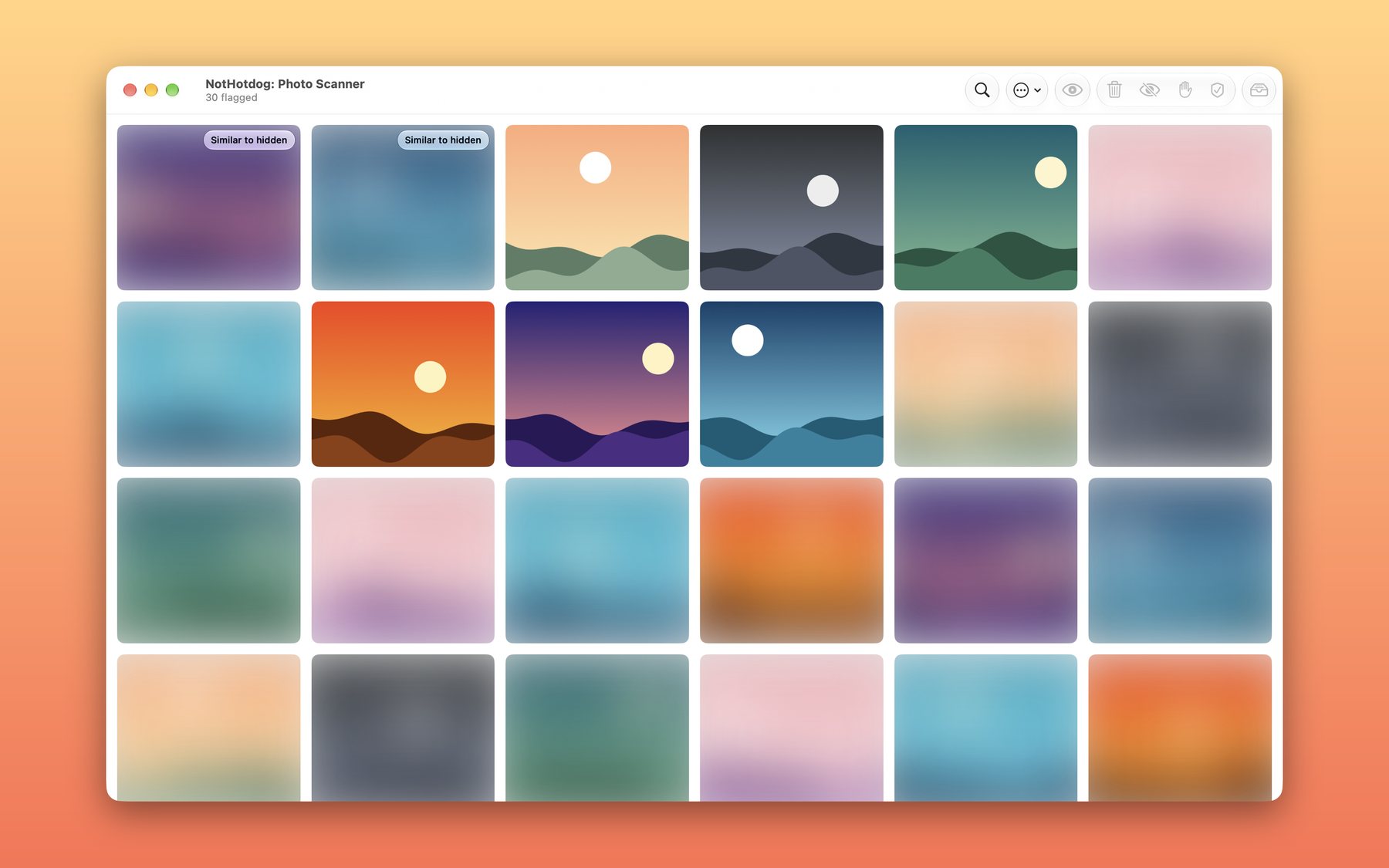
01 · How it works
Scan, look, decide.
-
Scan
NotHotdog goes through your still photos using the same on-device detection Apple uses for the Sensitive Content Warning in Messages. The first scan of a big library takes a while. After that it only looks at photos that are new or edited, and you can stop it any time.
-
Look, if you want to
Flagged photos show up in a grid, blurred. Select the ones you care about and press Reveal. Everything else stays blurred, so you can get through the list without looking at each photo.
-
Decide
Each photo gets one of four outcomes. You can act on one photo or on a whole selection (Command-A selects everything).
02 · The four buttons
What each one does to your library.
- Delete
- Sends the photo to Recently Deleted in Photos. macOS asks you to confirm, and you have about 30 days to change your mind.
- Hide
- Moves it to Photos’ Hidden album, out of your main library. The Hidden album is locked behind Touch ID or your password by default.
- Ignore
- Takes it off the flagged list and leaves your library alone. For photos that are what they look like and that you’re keeping.
- Not Sensitive
- For false alarms. It also leaves your library alone, and the photo stays dismissed even if a later scan flags it again.
NotHotdog learns a little from two of these. Photos that look like ones you marked Not Sensitive are dismissed for you, and photos that look like ones you hid float to the top of the list. Deleting teaches it nothing, since people delete photos for plenty of reasons. All of this stays on your Mac, and anything it dismisses automatically is one click away from being restored.
03 · Privacy
It runs on your Mac and stays there.
- No account, no server, no analytics, no ads, no third-party code.
- Photos are analyzed on your Mac with Apple’s own frameworks.
- It saves a small list of photo IDs and numeric fingerprints for the photos it flagged or you judged. It never saves your pictures.
- If an original lives only in iCloud, macOS downloads it so it can be scanned. That is between your Mac and iCloud.
04 · Straight talk
What it won’t do.
- It isn’t perfect. The detector is Apple’s. It misses some photos and flags some harmless ones. A clean scan is not a guarantee, so treat the results as a first pass.
- Photos only. Videos aren’t scanned.
- It needs macOS 26 and Sensitive Content Warning switched on in System Settings, under Privacy & Security. If it’s off, the app tells you and shows you where.
- It needs full Photos access, because scanning the whole library and deleting or hiding photos both require it.
And yes, the name is a joke. The app isn’t.